Travel Scam & Digital Safety Checklist for Any Trip
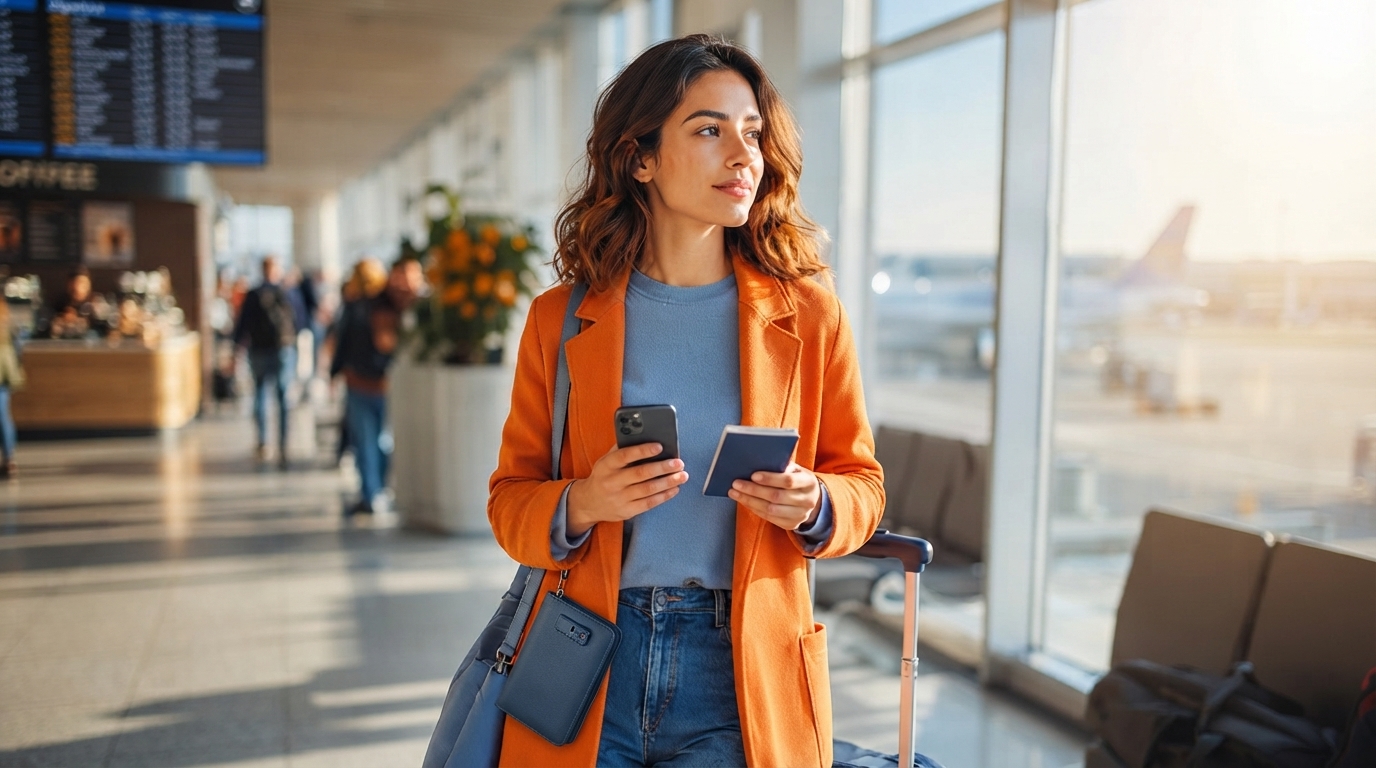
Travel Security & Scam Awareness Guide: Digital Safety for Tourists, Solo Travelers, and Business Trips
Travel brings unfamiliar systems—payment terminals, transit rules, Wi‑Fi networks, and social norms—that scammers exploit. A practical safety routine reduces risk without turning every interaction into a standoff. This guide covers the most common travel scams and digital threats, plus simple habits that protect money, identity, devices, and peace of mind on vacations, solo trips, and work travel.
A simple travel security routine that works anywhere
A reliable approach is a two-layer mindset: prevent (make yourself harder to target) and respond (recover fast if something happens). The goal isn’t perfect security—it’s fewer easy openings and faster containment.
- Before leaving: update your phone/OS and critical apps, enable device encryption, turn on find‑my‑device, and use a strong screen lock (long passcode over a 4‑digit PIN).
- Reduce account takeover risk: enable multi-factor authentication (MFA) on email, banking, and primary social accounts; store backup codes offline (printed or in a secure vault).
- Carry two payment options: one primary and one backup (a second card or a small amount of cash), and keep them physically separated.
- Create a “trip-only” digital footprint: minimize how many accounts stay logged in on the road; use a password manager; never reuse passwords.
- Set bank alerts: turn on notifications for card-not-present charges and foreign transactions, and confirm you can freeze a card instantly in the app.
- Back up key documents: keep copies of your passport ID page, visas, and insurance in a secure cloud vault plus an offline file (encrypted USB or a locked note in a secure app).
High-frequency scams and how to spot them fast
Most travel scams rely on urgency, confusion, and social pressure. If someone is rushing you, blocking your movement, or insisting you ignore the “normal” method (meter, official counter, in-app flow), treat it as a signal to slow down and reset.
Common scams, red flags, and the quickest safe response
| Scenario | Red flags | Do this immediately |
|---|---|---|
| ATM “helper” offers assistance | Crowding, pressure to hurry, hands near the keypad | Cancel transaction, step away, use a different indoor ATM |
| Taxi says the meter is broken | Insists on a high flat rate, refuses app-based estimate | Exit before departing; use an official rank or rideshare app |
| Bracelet/flower “gift” placed in hand | Touching, insistence, guilt/anger when refused | Put it down and walk away; do not argue or negotiate |
| Hotel “front desk” calls for card verification | Urgency, asks for full card number/CVV | Hang up and call the front desk via official number |
| QR code for a menu or transit payment | Sticker placed over original, generic payment page | Use official app/site; type URL manually; avoid scanning unknown QR |
| Phone hotspot offered by a stranger | Unnecessary “help,” asks to connect to their network | Decline; use personal hotspot or trusted Wi‑Fi only |
Digital safety on the move: Wi‑Fi, SIMs, and QR codes
For broader, regularly updated travel advisories and safety guidance, check the U.S. Department of State travel resources. For identity theft and scam reporting basics, the Federal Trade Commission’s scam guidance is a solid reference.
Solo traveler safety: boundaries, location sharing, and situational control
If you want a simple way to pressure-test social situations (including “new friend” and romance setups that sometimes appear during travel), consider keeping a quick checklist handy like the Mindful Dating Red-Flag Checklist | Printable Dating Checklist for Emotional Safety & Boundaries | Spot Red Flags Early.
Business trip security: protecting data, devices, and credentials
For additional cybercrime awareness and best-practice guidance, Europol publishes general safety advice at Europol’s cybercrime resource hub.
If something goes wrong: a quick recovery checklist
A compact handbook that fits into trip planning
For a practical reference you can use before departure and during high-risk moments (ATMs, check-in, public Wi‑Fi), the Travel Security & Scam Awareness Guide | Digital Safety Handbook for Tourists, Solo Travelers & Business Trips consolidates scam recognition, device and account safety habits, and step-by-step response actions into an easy-to-follow format.
Before choosing, compare the product details with your daily routine, available space, care needs, and preferred setup. The strongest option is usually the one that fits the intended use clearly and remains simple to clean, store, and check before repeat use.
FAQ
Is public Wi‑Fi safe to use while traveling?
Public Wi‑Fi is fine for low-stakes browsing, but it’s risky for banking, password resets, or account recovery because traffic can be intercepted or redirected. Use cellular data or a trusted hotspot for sensitive tasks, turn off auto-join, and rely on strong passwords plus MFA even when using a VPN.
What are the fastest ways to tell a taxi or transit scam is happening?
Red flags include refusing the meter, pushing a high flat fee, creating urgency, or taking unexplained detours. Confirm driver/plate details, use official ranks or in-app rides, and if something feels off, end the ride early in a safe, populated place.
What should be done first if a phone is stolen during a trip?
Lock the device immediately using find‑my‑device and secure your primary email account first since it controls most password resets. Then freeze payment cards, contact your carrier to suspend service, and file a report if required for insurance or local procedures.
















Leave a comment